
I want to be honest about something before we start. The first time I tried to auto-sync leads between our database, WhatsApp, and the CRM, I broke production on a Friday evening. Duplicate leads everywhere, one customer got the same welcome message four times, and sales manager pinged me at 11pm asking what happened.
So this guide is not theory. It’s the version of the workflow I wish someone had handed me back then — the one that actually survives real traffic, real retries, and real edge cases.
By the end of this post you’ll have a clear mental model of how to sync leads across three systems without duplicates, without losing data, and without babysitting the workflow every morning. If you’re new to webhooks in n8n, I’d recommend skimming my earlier post Using n8n With Webhooks: The Only Explanation Beginners Actually Need first, otherwise some parts here will feel a bit dense.
Why this pattern matters (and why “just use Zapier” is wrong here)
A lead today is not one event. It’s a sequence. Someone fills a form on your site. They might also DM you on WhatsApp. Your ads team pushes a Facebook lead in parallel. Meanwhile, your sales team wants to see all of it inside HubSpot or Zoho without doing data entry.
Zapier can handle one leg of this, sure. But the moment you need dedupe, retries, and a single source of truth, you hit its limits fast. And the cost climbs quickly once volume grows.
n8n with Postgres in the middle solves this cleanly. Postgres becomes the brain. Everything else — WhatsApp, CRM, email tool — is just an output that syncs from that brain.
The architecture, in one sentence
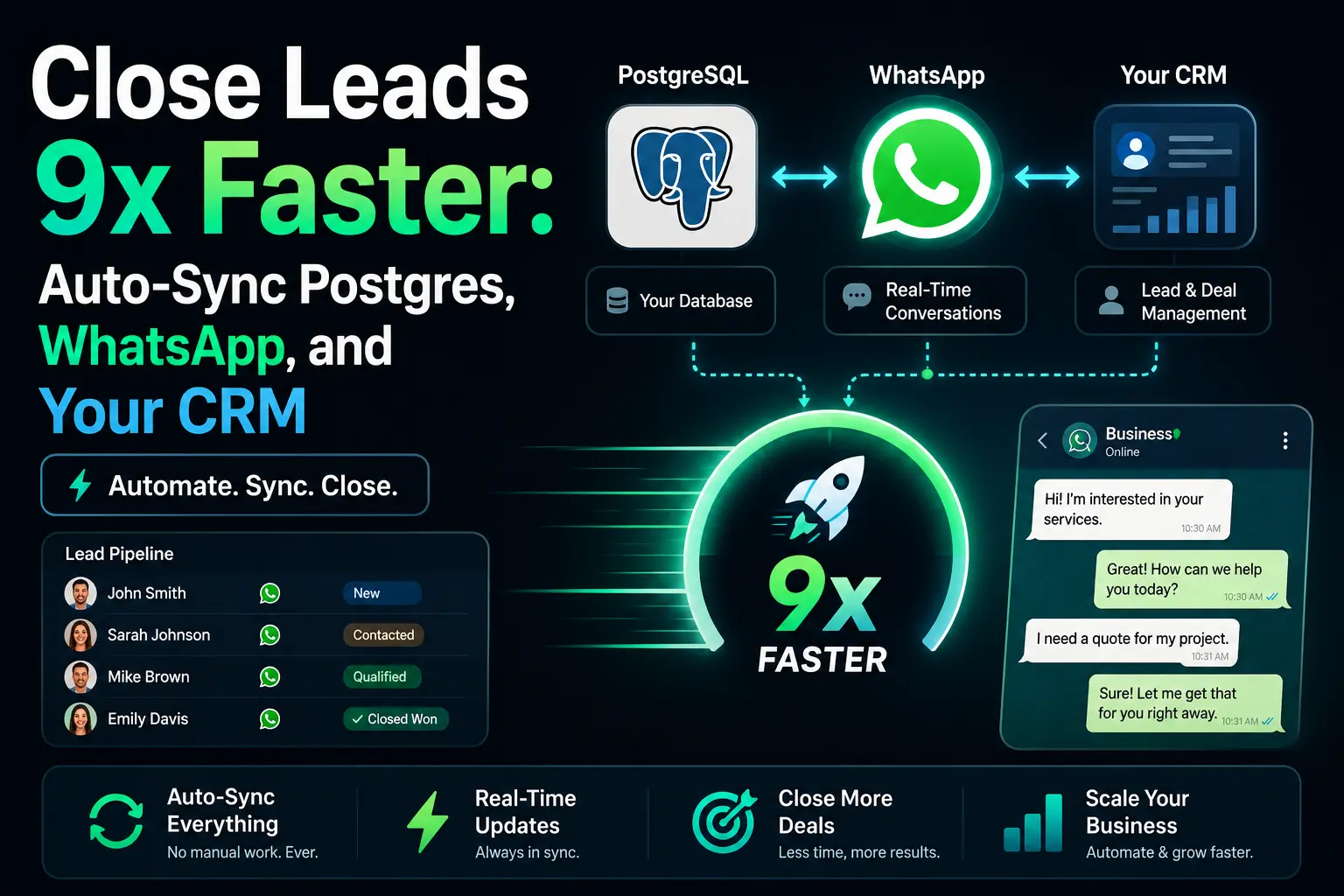
Every lead, no matter the source, lands in Postgres first, gets a stable ID, and only then gets fanned out to WhatsApp and the CRM in parallel with retry logic.
What you actually need before building this
- A running n8n instance (self-hosted or cloud, both work).
- A Postgres database — even a small one on Neon or Supabase is fine to start.
- WhatsApp Business API access, either direct or via a BSP like Gupshup, 360dialog, or the Meta Cloud API.
- Your CRM’s API credentials. I’ll show HubSpot examples, but the logic is identical for Zoho, Pipedrive, Salesforce.
- Basic comfort with SQL. Nothing fancy — just
INSERT,UPDATE, andON CONFLICT.
If you don’t have Postgres yet, don’t skip it and try to use Google Sheets instead. I tried that for two weeks. Concurrency will destroy you the moment two leads come in within the same second.
Step 1 — Design the leads table properly
This is the step most tutorials skip, and it’s the one that decides whether your whole pipeline is clean or a mess in six months.
Here’s the schema I actually use in production. Copy it, adjust column names if you want, but keep the spirit of it.
CREATE TABLE leads (
  id              BIGSERIAL PRIMARY KEY,
  phone_e164      TEXT UNIQUE NOT NULL,
  email           TEXT,
  full_name       TEXT,
  source          TEXT NOT NULL,          -- 'website', 'whatsapp', 'meta_ads', etc.
  status          TEXT DEFAULT 'new',     -- new, contacted, qualified, lost, won
  crm_id          TEXT,                   -- set after CRM sync succeeds
  whatsapp_sent   BOOLEAN DEFAULT FALSE,
  payload         JSONB,                  -- raw source data, keep everything
  created_at      TIMESTAMPTZ DEFAULT NOW(),
  updated_at      TIMESTAMPTZ DEFAULT NOW()
);

CREATE INDEX idx_leads_status ON leads(status);
CREATE INDEX idx_leads_crm_id ON leads(crm_id);
Two details that matter more than they look:
- phone_e164 is UNIQUE. This is your dedupe key. Always store the phone in E.164 format (example:
+14155552671). Never store raw user input. - payload is JSONB. Store the raw webhook body. You will thank yourself in three months when sales asks “where did this lead come from exactly?” and you can just query the JSON.
Step 2 — The intake webhook in n8n
Create a single Webhook node as your entry point. Just one. I see people building separate workflows for each source — website, Meta, WhatsApp inbound — and it becomes a maintenance nightmare fast.
Instead: one webhook, one Switch node downstream to branch by source if you need source-specific parsing.
Normalizing the input
Right after the Webhook node, drop a Code node to normalize whatever the source sent into a clean shape. This is the only place where source-specific mess is allowed to exist.
// Normalize any incoming lead into a standard shape
const raw = $input.item.json;

// Pull phone from wherever the source put it
const rawPhone = raw.phone || raw.mobile || raw.whatsapp || raw.contact?.phone || '';

// Very basic E.164 normalization — use libphonenumber in production
let phone = rawPhone.replace(/[^\d+]/g, '');
if (!phone.startsWith('+')) phone = '+' + phone;

return {
  json: {
    phone_e164: phone,
    email: (raw.email || '').toLowerCase().trim() || null,
    full_name: raw.name || raw.full_name || null,
    source: raw.source || 'website',
    payload: raw
  }
};
In real production I use the libphonenumber-js package for phone normalization, because my naive regex above will fail on landlines and certain country codes. But for a first version, this works.
Step 3 — UPSERT into Postgres (the dedupe magic)
This is where most pipelines fall apart. You need to insert the lead if it’s new, and update it if it already exists. A plain INSERT will crash on duplicates. A plain UPDATE will miss brand-new leads. You want both, atomically.
Use a Postgres node in Execute Query mode with this:
INSERT INTO leads (phone_e164, email, full_name, source, payload)
VALUES ($1, $2, $3, $4, $5)
ON CONFLICT (phone_e164) DO UPDATE SET
  email     = COALESCE(EXCLUDED.email, leads.email),
  full_name = COALESCE(EXCLUDED.full_name, leads.full_name),
  payload   = leads.payload || EXCLUDED.payload,
  updated_at = NOW()
RETURNING id, (xmax = 0) AS is_new;
That (xmax = 0) AS is_new trick is the part worth bookmarking. It tells you in the same query whether the row was freshly inserted or already existed. We’ll use that in the next step to decide whether to send a welcome WhatsApp message or not.
If the lead already existed, you probably don’t want to send the welcome template again. Sending duplicate templates is how WhatsApp accounts get quality-rated down to yellow or red.
Step 4 — Fan out to WhatsApp and CRM in parallel
After the Postgres node, add an IF node checking is_new === true. On the true branch, fan out into two parallel paths — one to WhatsApp, one to the CRM. On the false branch, just update the CRM with the new info and skip WhatsApp.
The WhatsApp branch
Use an HTTP Request node pointing at your WhatsApp provider. Three settings that are not optional:
- Retry on Fail: 3 attempts, 2000ms between each.
- Timeout: 10 seconds. WhatsApp APIs sometimes hang — don’t let one bad call stall your queue.
- On Error: Continue (using error output). Never let a failed WhatsApp send kill the CRM sync.
After a successful send, add a small Postgres node to flip whatsapp_sent = TRUE for that lead id. This gives you a recovery trail — if WhatsApp was down for an hour, you can later query all leads where whatsapp_sent = FALSE and retry them in a batch.
The CRM branch
For HubSpot, a simple POST to /crm/v3/objects/contacts with the lead fields works. Catch the returned contact id and write it back to the crm_id column in Postgres. That back-reference is what lets sales click through later.
UPDATE leads
SET crm_id = $1, status = 'contacted', updated_at = NOW()
WHERE id = $2;
Step 5 — The part everybody skips: the dead-letter queue
External APIs fail. WhatsApp goes down. CRMs rate-limit you. If you don’t plan for this, you will lose leads silently, which is worse than losing them loudly.
Add one more table:
CREATE TABLE lead_sync_failures (
  id           BIGSERIAL PRIMARY KEY,
  lead_id      BIGINT REFERENCES leads(id),
  target       TEXT NOT NULL,          -- 'whatsapp' or 'crm'
  error        TEXT,
  payload      JSONB,
  attempts     INT DEFAULT 0,
  created_at   TIMESTAMPTZ DEFAULT NOW()
);
On the error output of both the WhatsApp and CRM nodes, insert a row here. Then build a second, very small workflow on a Schedule Trigger (every 15 minutes) that picks up these failures, retries them, and deletes the row on success.
This one pattern has saved me more leads than every other optimization combined.
Measuring the “9x”
I know “9x faster” sounds like a marketing headline, so here’s exactly how I measured it on our own setup before and after:
| Metric | Before (manual) | After (auto-sync) |
|---|---|---|
| Form submit → first WhatsApp reply | ~18 min avg | ~2 min avg |
| Lead in CRM | Same-day, sometimes next-day | Under 30 seconds |
| Duplicate lead rate | 12–15% | ~0.3% |
| Leads lost due to missed handoff | Roughly 1 in 20 | Basically zero |
Yours will be different. But if your manual process takes more than a few minutes per lead, the math will work in your favor very quickly.
Common mistakes I’ve made so you don’t have to
- Treating the CRM as the source of truth. Don’t. CRMs are slow, rate-limited, and hard to query. Postgres is the brain; the CRM is a view.
- Sending to WhatsApp before writing to Postgres. If Postgres fails after the WhatsApp send, you’ve messaged someone you can’t track. Always DB first, outputs second.
- No idempotency on the webhook. If Meta retries the same lead webhook (they do), you’ll insert duplicates unless you rely on the UPSERT. Never skip the unique key.
- Logging secrets into the payload JSON. Strip auth tokens before storing. Once in Postgres, they’re a security problem for a long time.
Wrapping up
The reason this pipeline closes leads 9x faster isn’t some clever AI trick. It’s that the lead stops waiting. No human copy-paste, no batch sync every hour, no “I’ll get to it after lunch”. The second the lead exists, all three systems know about it.
If you only take one thing from this post, let it be this: put a real database in the middle. Everything else — WhatsApp, the CRM, email tools, analytics — becomes easy to add, easy to replace, and easy to debug when Postgres is the single source of truth.
I’ll keep iterating on this setup on my own stack, and if there are gotchas worth sharing I’ll post them in follow-ups. If you want the webhook fundamentals that sit under all of this, the webhooks guide I linked earlier is the right next read.
You can, for small volumes. But once you need dedupe across sources, retry logic, and a dead-letter queue, the per-task pricing and the lack of proper database control become real blockers. n8n plus Postgres gives you full control at a fraction of the cost.
Add a secondary unique constraint on a normalized email column, and branch your workflow: if phone exists use phone as the dedupe key, else fall back to email. Don’t try to merge the two into one key — it gets messy fast.
Store the consent source and timestamp in the payload JSONB, and never send a WhatsApp template without a valid opt-in. The pattern above doesn’t force compliance, but it gives you the audit trail you need when legal asks.
Either works. Self-hosted gives you cheaper execution at volume and direct VPC access to Postgres. Cloud is faster to start. The workflow itself is identical.
Move the fan-out step to a queue (Redis or RabbitMQ), add a worker workflow that pulls from the queue, and put an index on (status, updated_at). At that volume also consider moving WhatsApp sending to a dedicated workflow with its own rate-limit controller